You’ve learned how to hide your online status, but it seems your friends have too. So how do you tell if your friends are online? That’s where WhatsApp check online comes in.
In this guide, I’ll walk you through exactly how to check someone’s last seen and online status on WhatsApp—both when it’s visible and when it’s hidden. No fluff, no shady promises. Just practical steps that actually work.
What Does “Last Seen” Mean on WhatsApp
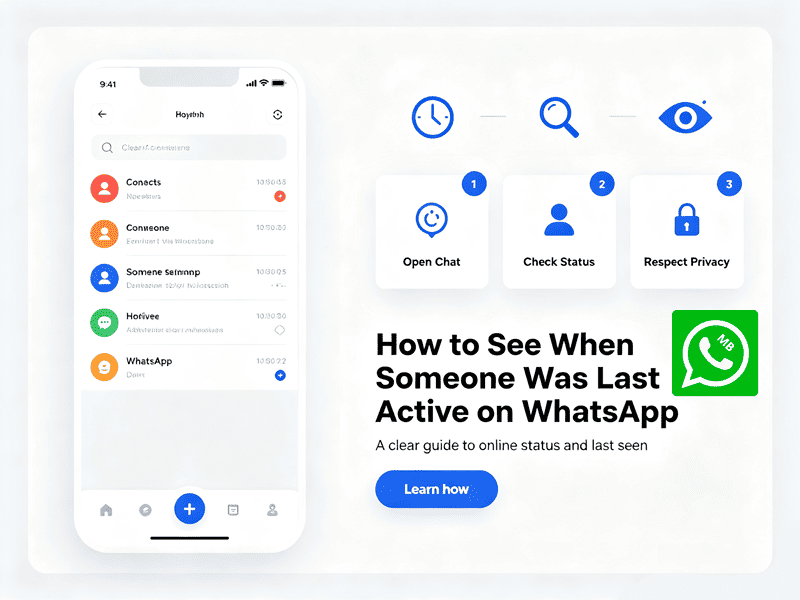
Last Seen is the timestamp displayed under a contact’s name that indicates the last time they used WhatsApp while connected to the internet.
For example:
- Last seen today at 9:45 AM
- Last seen yesterday at 11:18 PM
- Last seen Monday
This feature gives you a general idea of when someone last opened WhatsApp.
Besides Last Seen, WhatsApp also displays several other activity indicators.
- Online: If someone is actively using WhatsApp and connected to the internet, you’ll see Online below their name.
- Typing…: When they’re writing a reply, WhatsApp displays Typing…
- Recording Audio…: If they’re recording a voice message, you’ll see Recording audio…
How to Check Last Seen on WhatsApp
Method 1: The Normal Way
Open the individual chat with the person. Right below their name at the top, you’ll see the other person’s last online time.
Works the same on iPhone, Android, and WhatsApp Web. This is the simplest and most universal method, but it is not always effective.
You can only see someone’s last seen if you haven’t hidden your own. WhatsApp uses a reciprocal rule—if you set your last seen to “Nobody,” you won’t be able to see anyone else’s either. Same goes for “My Contacts” vs “Everyone.”
Check your own settings:
Settings > Privacy > Last Seen & Online
Make sure yours isn’t set to “Nobody” if you want to see others’.
Also note: if the person has you blocked, you’ll see nothing—no last seen, no profile photo update, and only one checkmark on your messages.
Method 2: When Last Seen Is Hidden
Many people hide their last seen but forget to hide their online status. In recent WhatsApp versions, these are two separate toggles:
Settings > Privacy > Last Seen & Online > Who can see my online status?
If they’ve left “Online” visible to everyone, you can open their chat and watch the header.
How to See Someone’s Last Seen on WhatsApp if Hidden
If someone hides their “last seen” and online status, you can no longer use official features to determine if they are active. In this situation, you will need to use other methods to check.
Method 3: MB WhatsApp
MB WhatsApp is a modified version of WhatsApp that offers features not found in the original app, such as the ability to view others’ hidden online status.
MB WhatsApp APK has a green dot on the chat screen that lets you know when someone is online. Here is how to enable it:
- Click the three dots in the top right corner > Mod or Settings > Main screen > Files
- Scroll down until you find Disable Online Dot and turn off the option.
Done. Go back, and you’ll see a small green dot in the bottom right corner of the contact’s avatar. Even if someone hides their online status, you can still see it without opening your chat with them.
Method 4: Third-Party Apps WhatsApp check online
These WhatsApp lookup work by quietly polling the contact’s status in the background and building an activity timeline, even when “Last Seen” is set to Nobody on your end.
- iToolab WaTracker: you see who is currently active. It alerts you whenever someone logs on or off WhatsApp, even if their status is set to private.
- WspSeen: This popular tool includes real-time alerts and various monitoring plans.
- WeLastseen: It shows a timeline of activity and can be set to notify you the moment specific contacts go online.
- WaLog: Tracks visible Online status and offers notifications when a monitored contact becomes active.
- WaStat: Records online sessions and creates daily or weekly activity reports.
Notice: Before downloading any tracker, always research its reputation and privacy policy. A trustworthy app should never require access to your messages or account credentials simply to monitor publicly available activity.
Why Can’t You See Someone’s Last Seen
Even if both you and the other person have your online status turned on, the following reasons may also explain why you might not be able to see when they are online or were last active.
1. You’re Not Saved as a Contact
Some users only allow contacts to see their activity. If your number isn’t saved on their phone, you may not see:
- Last Seen
- Profile photo
- About section
Adding each other as contacts often fixes this.
2. Internet Connection Problems
Sometimes the issue isn’t privacy at all. If either person has:
- Weak Wi-Fi
- Poor mobile data
- Temporary server issues
WhatsApp may fail to update activity information. Refreshing the chat usually solves it.
3. They Blocked You
Blocking is possible—but it shouldn’t be your first assumption. Signs include:
- No profile photo updates
- No Last Seen
- No Online status
- Messages always show one gray check mark
- Calls never connect
Even then, none of these alone confirms you’ve been blocked. WhatsApp intentionally keeps blocking private.
Final Thoughts
Look, I get it. Wanting to know when someone was last active is natural—especially if you’re anxious about a response or trying to coordinate timing.
You can use MB WhatsApp and certain third-party tools to view someone’s hidden online status.
But if you’re just curious? Let it go. Constantly checking someone’s last seen rarely makes you feel better—it usually feeds the anxiety.