You sent a message. Hours passed. Still two grey ticks. No blue. Meanwhile, that person posted three Status updates, replied in the group chat, and even liked your Instagram story. Something feels off. Did they turn off read receipts? Or are they just not read my WhatsApp messages?
Let’s cut through the guesswork. In this guide, I’ll walk you through exactly how to tell if someone disabled read receipts on WhatsApp, what “seen” really means compared to “read,” how to turn off your own read receipts if you want more privacy, and a few practical tricks to read messages without leaving a trace.
Understanding WhatsApp Check Marks
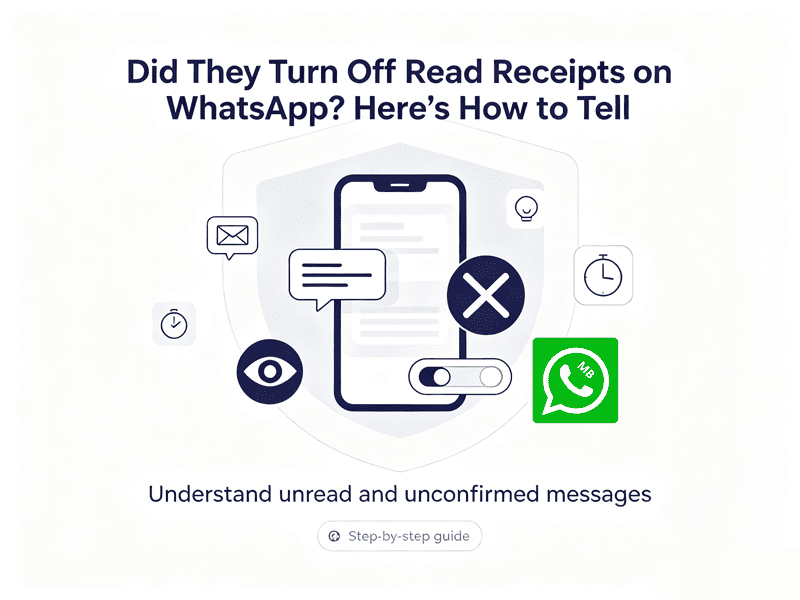
You surely know what the two blue ticks on WhatsApp mean, but let’s double-check.
- Single grey tick – Your message left your phone but hasn’t reached their device yet. Usually means they’re offline or have no connection.
- Double grey ticks – Delivered to their phone. The message is sitting in their chat inbox, waiting to be opened.
- Double blue ticks – They opened the chat. This is the official “read” signal.
The key insight: double grey ticks don’t mean they haven’t read your message. They could have read it from the notification panel, or they might have read receipts turned off entirely. Blue ticks only appear when the recipient opens the chat and has read receipts enabled on their end.
Why isn’t it showing that the person read my WhatsApp messages
If you see permanent double grey ticks from someone who is clearly active, one of these is true:
- They have read receipts turned off.
- You have read receipts turned off.
- They simply haven’t opened the chat yet.
- They blocked you. But then you’d usually see only one tick, no profile photo updates, and no Last Seen.
- They have hidden read receipts using MB WhatsApp.
A common but often forgotten way someone can read your messages without the blue ticks showing up is by using WhatsApp on PC.
On a computer, someone might see your message if your chat window is already open. However, if they don’t click on the window, WhatsApp will still mark the message as unread even though they have already read it.
The blue checkmarks will only show up once the other person opens your chat again.
How to Check If Someone Really Read WhatsApp Message
This can also be used to determine whether the other person has turned off read receipts on WhatsApp.
The Voice Note Test
This is the most reliable method, and it works because WhatsApp treats voice messages differently.
Send them a short voice note – anything like “Hey, quick question” or just a random sound. Then wait.
- If the voice note shows a blue microphone icon, meaning it was played, but your text messages remain double grey → they definitely turned off read receipts. Voice messages bypass the read receipt setting. You cannot disable the “played” indicator for audio clips.
- If the voice note stays grey, not played, then they genuinely haven’t opened the chat.
Bonus test: Send a message in a group chat where both of you are members. Group read receipts cannot be turned off. If the message displays a blue double checkmark, you have your answer.
How to Turn Off Read Receipt on WhatsApp
If you want to go incognito yourself, here’s how to disable read receipts across all devices.
On Android
- Open WhatsApp.
- Tap the three dots menu (top right).
- Select Settings → Privacy.
- Toggle Read Receipts off.
On iPhone
- Open WhatsApp.
- Tap Settings, gear icon, bottom right.
- Go to Privacy.
- Toggle Read Receipts to OFF.
On WhatsApp Web / Desktop
- Click the menu with three dots next to your profile picture.
- Choose Settings → Privacy.
- Uncheck Read receipts.
That’s it. From now on, nobody will see blue ticks when you read their private messages.
Disabling read receipts isn’t free. Here’s the fine print:
- You stop seeing blue ticks too.
- Group chats are exempt.
- Voice messages are exempt.
- It’s not retroactive.
If you want to hide the blue ticks in group chats, you can use the MB WhatsApp app.
WhatsApp Seen vs Read – Is There Even a Difference
WhatsApp treats opening a chat and reading a message as the same thing. As soon as someone opens your conversation, every message is marked with blue checkmarks. This happens even if they scroll past your message without actually reading it.
The confusion comes from other platforms:
- Instagram and Facebook Messenger say “Seen”
- iMessage says “Read”
- Telegram offers separate settings for “seen” and “read”
Users naturally carry those terms over to WhatsApp, but internally WhatsApp treats them as identical.
Honest Opinion
If you’re trying to figure out whether someone read my WhatsApp messages, remember that blue ticks are only one piece of the puzzle. A message with two gray checks doesn’t automatically mean it was ignored, and a missing read receipt isn’t proof that someone is avoiding you.
If you’re worried that a specific person might ignore you, use the voice note test. If they play your voice note but leave your texts on grey, you have your answer. And then maybe ask yourself: do you really need to know that badly? Sometimes ignorance is peace.
If you want to protect your privacy, you can hide your status by turning off read receipts or using MB WhatsApp. Use it wisely – or don’t. Either way, you’re in control now.